





Gembet Support
Support is our customer assistance service that provides help with account management, registration, login, payments, verification, security, and general Gembet platform use. Make support available to help users resolve technical and account-related questions while maintaining secure and consistent platform operations. Our customer service works alongside our account protection measures, verification procedures, and licensed operations to assist users throughout the account lifecycle.
At Gembet, provide customer support for users who need assistance with deposits, withdrawals, password recovery, account verification, responsible gaming tools and payment methods. Gembet Singapore users can also request help with login issues, security notifications, remote logout and account access. Our support service is available 24 hours a day, 7 days a week, helping users obtain information about platform features and account procedures while following the operational policies and security standards applied across our platform.
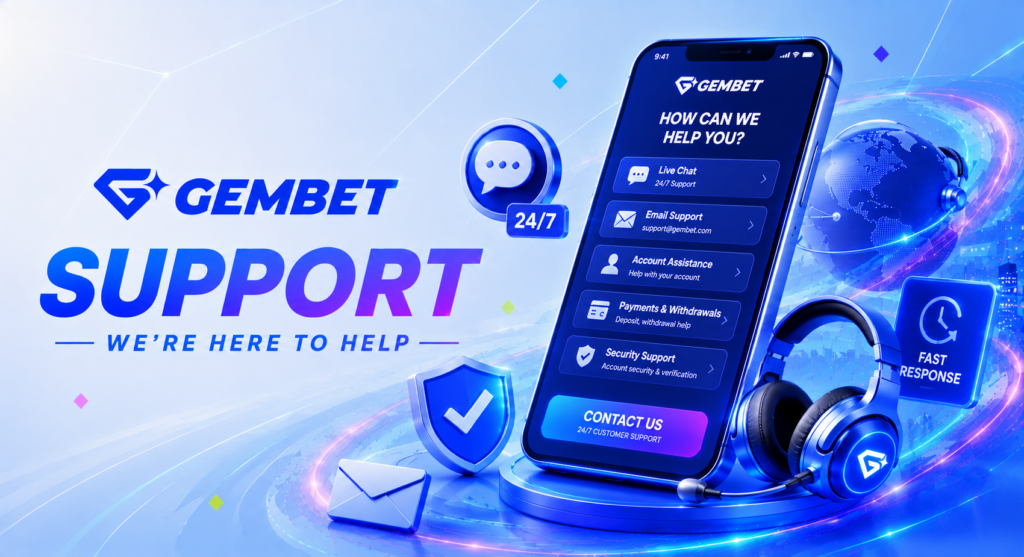
How to Contact Support?
Gembet contact options are available through our online customer support channels, helping users receive assistance with account management, payments, verification, login and technical questions.Provide support 24 hours a day, 7 days a week, while selected VIP members may also receive assistance from a Dedicated Account Manager.
| Support Channel | Details |
| Availability | 24 hours a day, 7 days a week |
| Support Access | Online customer support channels |
| Main Assistance | Registration, login, password recovery, deposits, withdrawals, KYC verification, payment methods, responsible gaming, technical issues |
| VIP Support | Dedicated Account Manager available through eligible VIP Programme tiers |
| Security Assistance | Help with login notifications, remote logout, account access, and verification procedures |
In addition to customer support, Gembet provides a mobile version through its official mobile websites. Android users can open the website in a mobile browser and choose Install or Add to Home Screen, while iPhone and iPad users can use Add to Home Screen in Safari. This creates app-style access without downloading a native application from an app store, allowing users to reach both the platform and support services quickly from their mobile device.